Auracast at Home
Testing the Limits of Auracast with 4 Home Transmitters
Classic Bluetooth Still Has a Job
I put Classic Bluetooth back in front of an Auracast transmitter—and the experiment changed how I think about the two technologies.
Classic Bluetooth remains very good at stable personal audio. Auracast adds broadcast audio. The most useful future may be to keep both.
Before You Buy Hearing Aids for Streaming
Auracast compatibility does not automatically mean dependable everyday Bluetooth streaming.
Before choosing hearing aids, find out whether they retain Classic Bluetooth, can sustain hours of streaming, deliver true stereo, recover both aids after a disconnect, and preserve their normal hearing controls while a stream is playing.
My testing of Starkey Genesis AI Omega 24 RIC 312 hearing aids also shows why battery capacity and the timing of the source feeding an Auracast transmitter can matter.
Read: Things You Should Know Before Buying Hearing Aids for Streaming
All Three Work, But...
I currently use three different ways to connect to Auracast broadcasts in my home: ReSound Smart 3D, MyStarkey, and the Android OS Auracast picker.
All three work. I use them every day with real hearing aids and real broadcasts such as Home Music, Office+, Living Room, and Bedroom.
Each one, however, has its own nuances and reflects a different philosophy about how users should interact with Auracast.
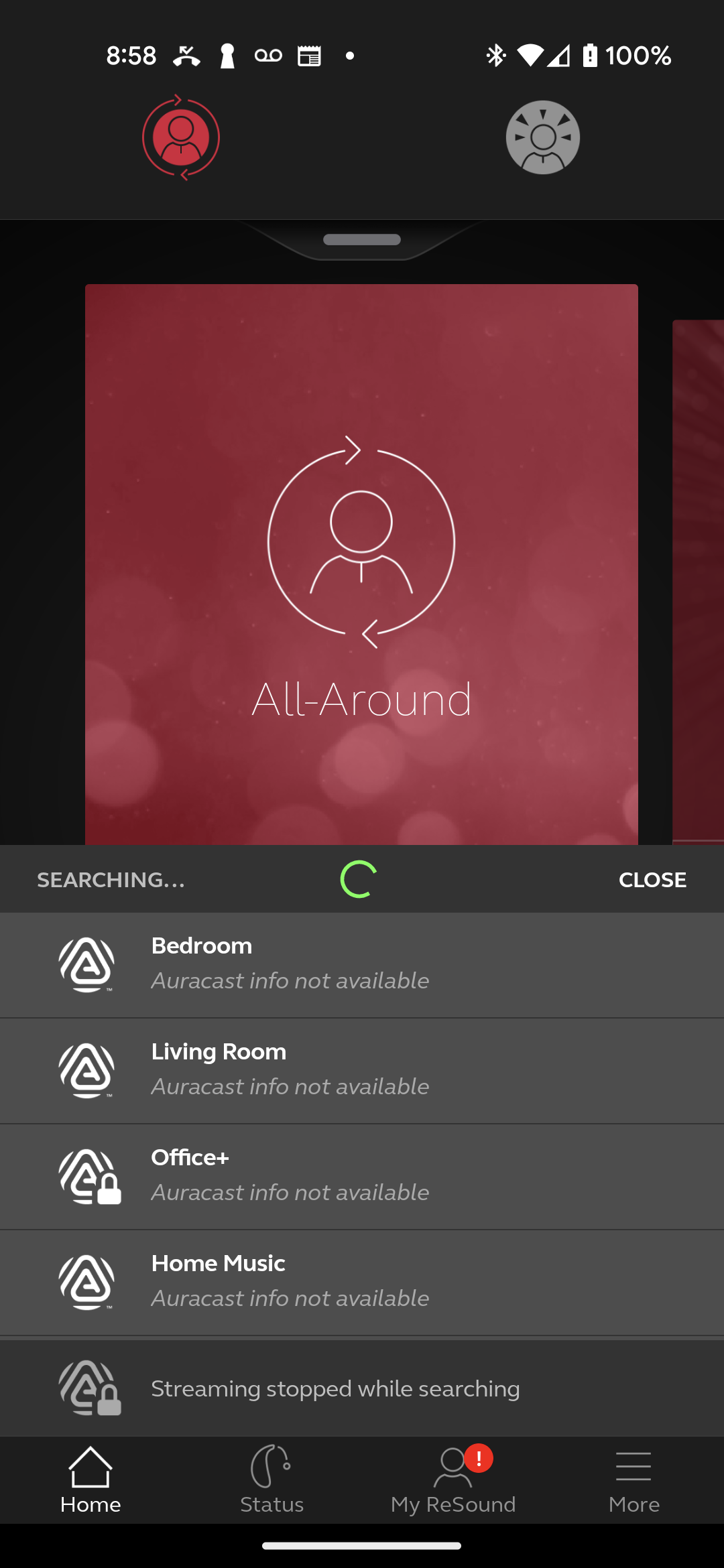
ReSound Smart 3D
A search box above a visible list of broadcasts. It naturally treats Auracast as a menu of stations.
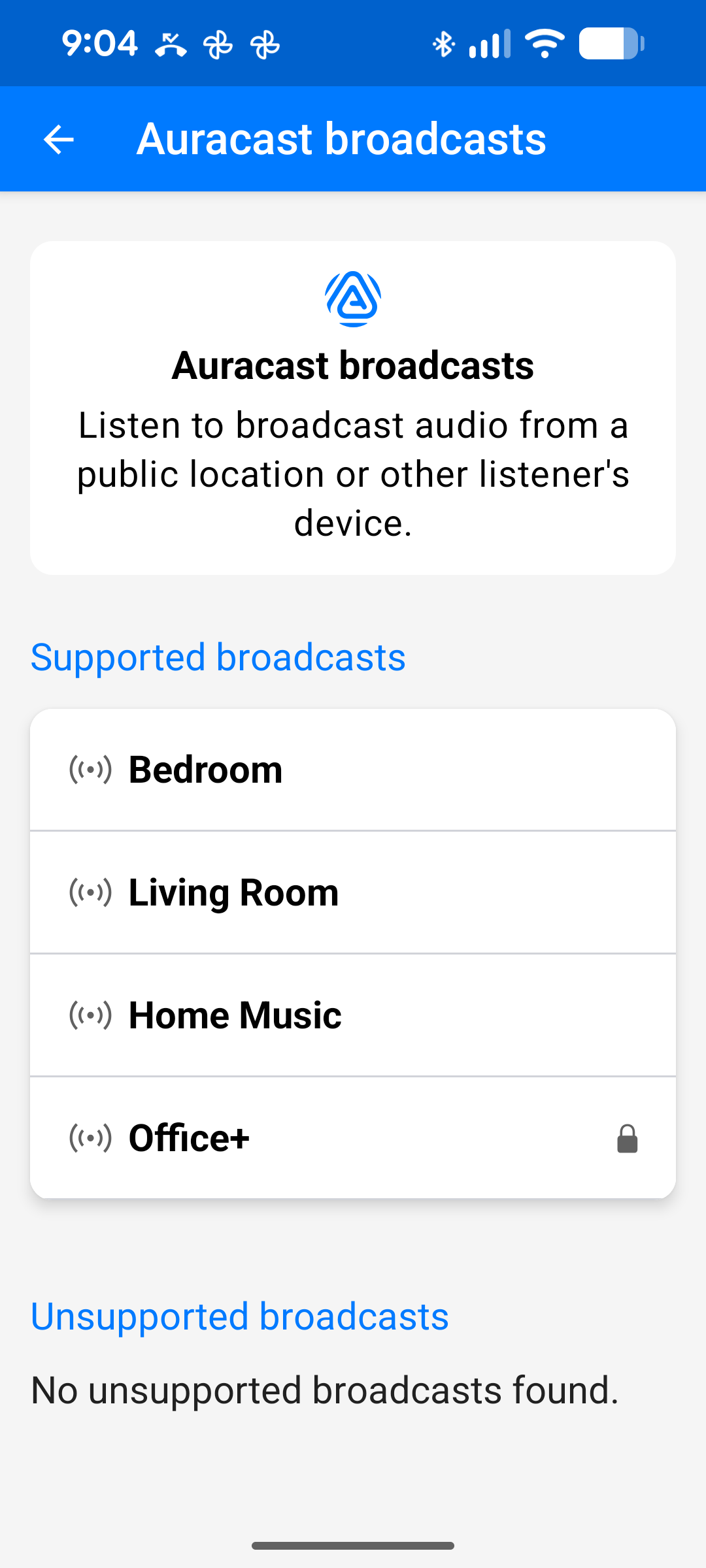
MyStarkey
A guided workflow using menus and back arrows. Functional, but with its own unique rhythm and nuances.
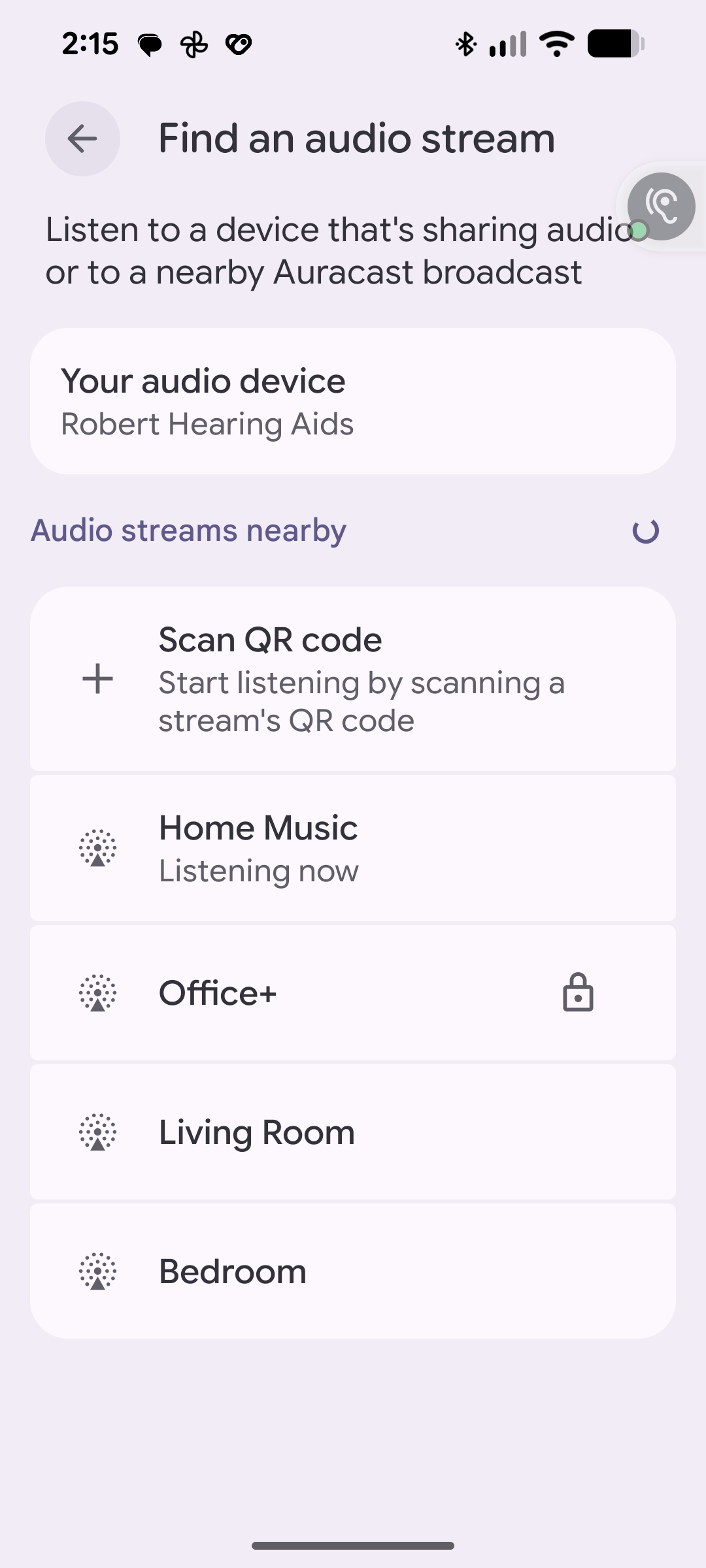
Android OS Picker
Clean and universal. Excellent for discovering and selecting broadcasts. It will preempt and capture streams picked by a hearing aid app.
If you plan to use your hearing-aid manufacturer's app as your primary picker,
avoid making an active selection here as well. Mixing the two approaches may produce confusing results. Pick with one method and stay with it for that listening session.
Real hearing aids. Real daily use.
I use Auracast every day with hearing aids from two major manufacturers:
- Starkey Genesis AI Omega 24 RIC 312 hearing aids
- ReSound Nexia hearing aids
Both receive Auracast broadcasts from my Avantree transmitters, but sustained daily streaming has exposed important differences in battery demands, stereo delivery, controls, and reconnection behavior.
This is not a manufacturer demonstration or a laboratory test. It is my daily listening setup.
Special thanks to Hearing Dynamics and their Facebook page, especially Eva Danino, whose use of Real Ear Measurement helped make my ReSound and Starkey hearing aids sound remarkably similar in everyday listening. That experience taught me that proper fitting and verification matter at least as much as the brand name on the hearing aids.
Why Auracast is different
Traditional Bluetooth connects you to a device. Auracast connects you to a service.
For example, when I want music, I select Home Music. If I want the sound from the bedroom TV, I select Bedroom. I simply select the broadcast and listen.
The broadcast becomes the destination of my hearing aids.
A practical example
Suppose I am sitting at my desk listening to Home Music.
I decide to go outside and work in the yard.
With traditional Bluetooth, I would often have to stay near the transmitter or carry the source device with me.
With Auracast's much greater range, I simply walk outside. As long as I remain within range of the broadcast, the music follows me while I work around the house and yard.
That is the moment Auracast stopped feeling like a technology demonstration and started feeling useful.
Listen to my Home Music
Tap the video to hear Bob explain Home Music
Home Music is fed by my own Music Time Machine, which roams my audio collection playing random tracks. These are fed to my Auracast Home Music transmitter and are accessible on my phone when I am away from home via my web server.
Randomly playing the 6,000+ tracks of my collection
What this site is about
Many hearing aid users have never seen Auracast demonstrated. Many clinics are still learning how to present it. Many public venues have not yet adopted it, and will not adopt it until enough Auracast users show up.
This site exists to show what Auracast looks like in everyday use by a real hearing aid wearer.
Auracast is not something I hope to use someday. It is something I use every day.
Tap the video to hear Bob explain the Auracast challenge
Questions, comments, or suggestions?
Join the discussion and help others bring Auracast into everyday life.